
Yes, you can produce auditor-ready exports of verification runs and reviewer decisions, and most compliance platforms support this as a standard feature. The export needs four pieces of metadata to count as complete evidence: a record count, an export timestamp or date range, an export hash such as SHA-256, and a note on who requested or approved the pull. Your first move is to run the export against your audit period filters and save the manifest alongside the file.
TL;DR:
- Choose CSV for manual spreadsheet review and JSON or NDJSON for downstream processing; use PDF only as a supporting summary, not the full export.
- Pair every export with a manifest listing the record count, audit date range, generation timestamp, SHA256 digest, and who requested or approved the pull.
- For JSON, sort keys consistently before hashing; reviewers should recompute the hash, compare row counts, and spot check records against trusted data.
- Schedule exports, archive them in immutable storage, and log repository access; SOC 2 Type II evidence usually covers six to twelve months.
- Check completed jobs for expired download links or silent row caps, and confirm actual record counts before filing exports as audit evidence.
Table of Contents
- How do you create and download an export verification log?
- Which export format should you choose: CSV, JSON, or PDF?
- How do you verify an export's integrity and completeness?
- What belongs in an audit-ready evidence bundle?
- How should you automate exports and plan retention?
- How does payee verification data fit into an export package?
- Why automation and manifested hashes matter more than ad-hoc capture
- Get export-ready payee verification with Vopify
- FAQ
- Sources
How do you create and download an export verification log?
Before you start, confirm you have an admin or auditor role on the platform and that verification runs actually exist for the period you need. Most teams pull exports in one of two ways, depending on whether a person is doing it by hand or a script is doing it on a schedule.
Through the dashboard (UI pattern):
- Open the audit or activity view and set your filters: date range, actor, record type, and verdict or status.
- Choose your export format (CSV, JSON, or PDF).
- Start the export job and wait for it to move from queued to completed.
- Download the file from the link provided, noting that most platforms time these links out after a set window.
Through the API (programmatic pattern):
- Submit a request to create an export job, passing the same filters you'd use in the UI.
- Poll the job status endpoint, or subscribe to a webhook, to catch the transition from queued to processing to completed (or failed).
- Pull the artifact from the returned download URL once the job reports completed.
- Log the job ID and completion timestamp in your own tracking system for later reference.
The lifecycle itself (queued, processing, completed, failed) is close to universal across export tools, since asynchronous jobs are the norm when record volumes are large, as described in TradeDupe's overview of auditing trade history across accounts. A failed status almost always traces back to an overly broad filter timing out or a malformed date range, so narrowing the window and resubmitting usually clears it. Watch for two things that trip people up during audits: download URLs that expire before someone remembers to grab the file, and partial exports that silently cut off at a row limit without flagging an error. Build a habit of checking the record count against what you expected before filing anything away.
Which export format should you choose: CSV, JSON, or PDF?
The right format depends on who touches the file next. Auditors reviewing rows by eye want something different than a script ingesting records for a downstream system.
- CSV works best for spreadsheet-based auditor reviews and manual sign-off, since most compliance reviewers already live in spreadsheet tools.
- JSON or NDJSON preserves nested structures and unique IDs, making it the better choice when another system needs to parse the export automatically.
- Signed JSON or signed-ndjson attaches an integrity marker to the payload itself, though a signature only proves the file wasn't altered after signing, not that the underlying data was accurate to begin with.
- Parquet or other compressed formats make sense for very large exports, but they require tooling most auditors don't have installed by default, so pair them with a smaller CSV sample.
- PDF packages a human-readable summary well, best used as a supporting artifact alongside the full data export rather than as a replacement for it.
For compliance reporting, audit records are commonly exported in CSV or JSON formats: CSV suits manual spreadsheet review, while JSON suits machine-readable downstream processing. Pick the format that matches the next step in your audit workflow, not the one that happens to be the default.
How do you verify an export's integrity and completeness?
An export without a verifiable completeness proof is hard for an auditor to trust at face value. The fix is a manifest, either embedded in the file or sent alongside it as a sidecar, that carries four fields: record count, date range, export timestamp, and an export hash computed with SHA-256. Where the platform supports it, an artifact signature or HMAC adds another layer of proof.
For JSON exports, canonicalization matters more than people expect. Hashing a JSON file directly can produce a different digest every time if key order or whitespace shifts between runs. A deterministic canonicalization, meaning keys are sorted consistently before the hash is computed, lets anyone recompute the same SHA-256 digest and confirm the file hasn't changed.
| Field | What it proves | Where it typically lives |
|---|---|---|
| record_count | Number of rows matches what was requested | Manifest or export header |
| date_range | Scope of the export matches the audit period | Manifest or filename |
| export_timestamp | When the pull was generated | Manifest header |
| export_hash (SHA-256) | File integrity since generation | Sidecar manifest or embedded field |
| artifactSignature/HMAC | Tamper evidence, verifiable only with the signing secret | Export response headers |
To verify an export offline, an auditor or reviewer recomputes the SHA-256 hash on the received file and compares it against the manifest value, checks the record count against the expected total, and spot-samples a handful of records against known-good data. Machine-readable headers such as X-Export-Record-Count, X-Export-Timestamp, and X-Export-Hash-SHA256 make that comparison fast rather than something an auditor has to dig for, as outlined in AuditBuffet's export pattern guidance. An HMAC-signed artifact proves tamper evidence to anyone who holds the signing secret, but it isn't independently verifiable by a third party without that secret, so plan ahead for how the auditor will check it.
Pro Tip: Hand auditors a one-line verification command alongside the export so they can confirm the hash themselves instead of taking your word for it.
What belongs in an audit-ready evidence bundle?
A single export rarely satisfies an auditor on its own. The strongest bundles pair primary verification exports with supporting context that proves a human reviewed and approved what the system logged.
Primary evidence exports:
- Verification runs covering the full audit window, not just a sample period.
- Reviewer decisions, waivers, and any runbook submissions tied to flagged records.
- A manifest file for each export, carrying the integrity metadata described above.
Supporting artifacts:
- Ticket or triage closure notes showing how exceptions were resolved.
- Configuration snapshots for MFA and logging settings at the time of the audit period.
- Vendor SOC reports and internal policies with their approval timestamps attached.
Name and tag each file consistently: control ID, audit period, and source system in the filename or folder path. A folder structure like /evidence/{control-id}/{audit-period}/{source-system}/ makes an auditor's sampling pass faster because they can find what maps to a given control without opening every file.
- Pull the primary export first and confirm its manifest before touching supporting artifacts.
- Tag each supporting file with the control ID it maps to.
- Cross-check that every item in Trust Services Criteria scope has at least one corresponding export or artifact.
Mapping items to Trust Services Criteria upfront, rather than after the auditor asks, is what separates a smooth fieldwork week from a scramble.
How should you automate exports and plan retention?
Pulling exports by hand works until an audit period spans six months and someone forgets week three. Scheduling the job removes that risk entirely.
- Set exports to run on a schedule tied to your audit cadence, not just when someone remembers to click the button.
- Archive completed exports to immutable storage, such as S3 Object Lock or equivalent WORM storage, so a finalized artifact can't be quietly edited later.
- Turn on access logging for the evidence repository itself, capturing who uploaded and who downloaded each file.
- Record a human review trail, meaning who requested the export and who approved its release, directly in the manifest.
Retention guidance from SOC 2 Type II practice calls for evidence covering the entire audit window, typically six to twelve months, since gaps in coverage are a common source of audit exceptions. Many teams default to a longer archival window beyond that minimum simply because storage is cheap and a second audit cycle often references the same period. Before decommissioning any system that generated verification logs, run a final export and confirm retention requirements are satisfied first.
Pro Tip: Treat your evidence repository's own access log as evidence too, auditors increasingly ask who touched the audit trail, not just what it contains.
How does payee verification data fit into an export package?
When payment verification sits inside your compliance scope, the fields that matter to an auditor are narrower than a full activity log: the lookup result (match, mismatch, or no response), the timestamp of the check, a reference ID tying it to a specific payment, and the method or operator who ran it. A verification record missing any of these four is harder to defend as complete evidence.

This is the layer we built Vopify around. Every payee check we run returns a reference ID, a timestamp, and a clear match or mismatch result, whether the request comes through a single lookup or a bulk CSV upload covering hundreds of supplier records at once. Our payee verification records reflect checks that happen in real time against live payment networks, not a batch reconciliation run days later.
For teams building an evidence bundle, the records document checks in real time against live payment networks.
- Bulk CSV exports from supplier verification runs slot directly into the same folder structure used for other compliance exports.
- API-driven verification results carry the same reference IDs and timestamps whether pulled one at a time or in bulk.
- Results cover SEPA countries, India, Indonesia, South Korea, and China (Alipay), so multi-region audit scope doesn't mean switching tools mid-period.
Why automation and manifested hashes matter more than ad-hoc capture
The highest-leverage move in this entire process isn't a fancier export tool, it's removing the human step where someone has to remember to pull the file. Teams that schedule exports and archive them to immutable storage rarely show up to fieldwork missing a week. Teams that rely on someone exporting manually before the auditor arrives almost always do.
A hash in a manifest costs nothing to generate and saves hours of back-and-forth when an auditor questions whether a file was altered. If you can only fix one thing this quarter, fix the gap between when a verification run happens and when it's archived with a hash attached.
— David
Get export-ready payee verification with Vopify
Running payee checks and still exporting evidence by hand costs you time you don't need to spend. We built our platform so every lookup, whether through Bulk IBAN Verification, Single Lookup, or API Integration, generates a timestamped, reference-tagged record from the start, which means the CSV output you pull for an audit period already carries the structure an auditor expects.
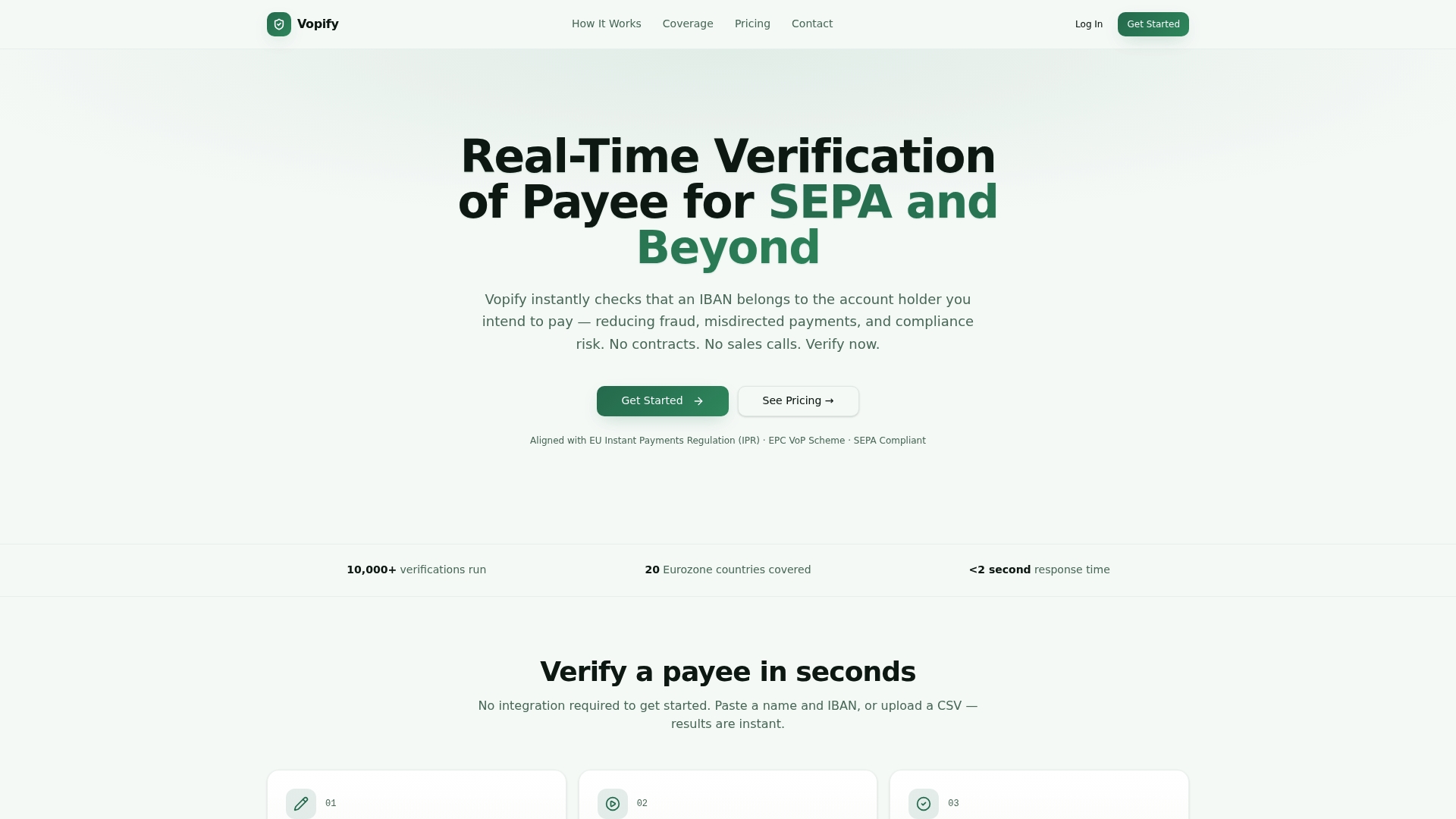
- Bulk IBAN Verification turns a supplier list into a batch of matched or mismatched records with consistent timestamps, ready to drop into an evidence folder.
- API Integration lets your systems pull verification results programmatically, so exports happen on your schedule rather than someone's memory.
- Vopify MCP connects payee checks into AI-assisted workflows for teams that want verification results flowing straight into their existing tools.
We offer instant results with no contracts or platform fees, covering SEPA countries plus India, Indonesia, South Korea, and China (Alipay). Please visit our website to see current prices and plans. Visit Vopify to see current plans or start a bulk verification run today.
FAQ
What is the minimum metadata an export needs for an audit?
An auditor-ready export needs a record count, an export timestamp or date range, and an export hash such as SHA-256 to prove nothing was altered or dropped after generation. A note on who requested and approved the export strengthens the file as evidence of a reviewed process rather than a raw data dump.
Should you export verification logs as CSV or JSON?
Choose CSV when a human auditor needs to review rows in a spreadsheet and sign off manually, and choose JSON or NDJSON when another system will parse the file automatically. Many teams export both from the same job and hand the CSV to the auditor while keeping JSON for internal systems.
How do you check that an export hasn't been tampered with?
Recompute the SHA-256 hash on the file you received and compare it against the hash listed in the export's manifest; a mismatch means the file changed after it was generated. For JSON files, confirm the export used a consistent canonicalization before hashing, since inconsistent key ordering can produce a different digest even when the data itself is unchanged.
How long should you retain verification export logs?
Retain evidence covering the full audit window, which for SOC 2 Type II audits typically spans six to twelve months, plus the fieldwork period that follows. Many teams default to a longer archival window beyond that minimum, since storage costs are low and later audit cycles often reference the same records.
Why do auditors prefer raw exports over screenshots?
Raw CSV or JSON exports carry resource identifiers, timestamps, and complete rows, while a screenshot carries none of that metadata and is considered weak evidence on its own. Automated, scheduled exports pulled directly from source systems also reduce the sampling and completeness problems that commonly cause exceptions in Type II audits.