
What is a fake payment notification, and where do you find generators?
A fake payment notification is a realistic-looking but entirely fabricated alert that mimics a real financial transaction message. No money moves. No account is charged. The image or message is built to look exactly like a genuine alert from Stripe, PayPal, or another payment platform.
These notifications are used for everything from app mockups and pitch decks to pranks and, unfortunately, fraud. Fake notification generators support platforms including Stripe, PayPal, Instagram, Twitter, TikTok, LinkedIn, Shopify, Gmail, Snapchat, and Discord. The most widely used tools let you customize:
- Payment amount and currency
- Sender or customer name
- Timestamp and date
- App icon and notification style
- Message body text
Three tools dominate this space in 2026: the Arcangelo Muschitiello app (Fake Notifications) on Google Play, the Uneed.best Fake Notification Generator online, and the Stripe Fake Payment Notification Generator for Stripe-specific mockups.
Popular apps and tools for creating fake payment notifications
| Tool | Platform | Best For | Customization | Output | Cost |
|---|---|---|---|---|---|
| Arcangelo Muschitiello app (Fake Notifications) | Mobile (Android) | Quick mobile pranks and mockups | App name, icon, message, timestamp | On-device screenshot | Free |
| Uneed.best Fake Notification Generator | Web browser | Free web-based creation, no install needed | Amount, sender, platform template | High-quality PNG | Free |
| Stripe Fake Payment Notification Generator | Web browser | Stripe-branded alerts for marketing | Stripe-specific fields | PNG with Stripe branding | Free |
The Arcangelo Muschitiello app runs entirely on your Android device. You pick any app icon from your phone, type a custom message, set a timestamp, and the app renders a notification that looks native to your screen. It's built for speed: the whole process takes under a minute, and the output is indistinguishable from a real push alert at a glance.

Uneed.best takes a different approach. It's browser-based, so there's no installation, and it supports multiple platform templates beyond just payment apps. The PNG output is clean enough for slide decks and social media posts. The Stripe Fake Payment Notification Generator is essentially a focused version of the same concept, built specifically for Stripe's visual style, which makes it the right pick when you need Stripe branding to look exactly right for a product demo or course screenshot.

Pro Tip: Use realistic payment amounts when building mockups. A $29 or $97 charge reads as believable. A $99,999 transaction from "John Doe" immediately breaks the illusion, even in a design context.
Both web tools handle data locally in the browser and do not store transaction details you enter. Still, avoid entering real customer names or actual financial figures into any third-party generator.
Common uses and ethical considerations
People create fraudulent-looking payment alerts for a surprisingly wide range of reasons, most of them harmless.
Legitimate uses:
- Product mockups and pitch decks showing what a payment flow will look like before launch
- Course and tutorial screenshots that demonstrate Stripe or PayPal integrations without exposing real data
- Social media content and marketing visuals
- Harmless pranks among friends who understand the context
Problematic and illegal uses:
- Sending a fake transaction notification to a seller to claim goods without paying
- Using fabricated payment screenshots to deceive business partners or investors
- Creating phishing payment notifications that impersonate banks or payment processors to steal credentials
The line is clear. Building a mockup for your own product demo is a design task. Sending a fake alert to another person to obtain money, goods, or information is fraud. In the United States, that crosses into wire fraud territory under federal law, regardless of the amount involved. Platforms like PayPal explicitly warn that invoice scams use fabricated payment emails to trick recipients into calling fake support numbers or sending money back to scammers.
How to detect fake payment notifications and protect yourself
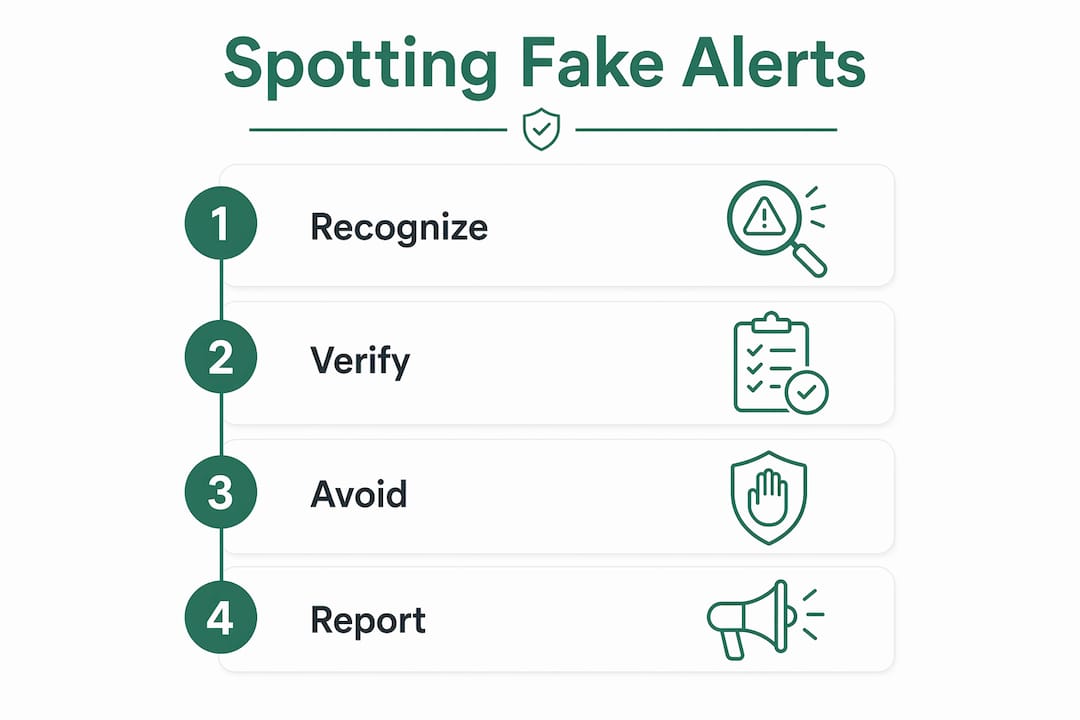
The single most reliable protection is also the simplest: never act on a payment notification by clicking a link inside it. Log directly into your bank's official app or website to confirm whether any transaction actually occurred. Experts at the FTC and Scamwatch agree that this one habit stops the vast majority of payment scams cold.
Red flags that signal a fraudulent payment message:
- Generic greeting ("Dear Customer" instead of your name)
- Urgent language threatening account suspension or immediate loss of funds
- A phone number to call to "cancel" or "reverse" a payment
- Links to sites that look like your bank but have slightly different URLs
- A high-cost purchase you don't recognize, often $300 or more, designed to trigger panic
SMS sender ID spoofing makes this worse. Carriers don't authenticate messages end-to-end, so a scammer can make a text appear to come from your bank's short code. The sender name you see proves nothing. Scammers also exploit urgency deliberately: the FBI notes that short deadlines and fear of financial loss are designed to bypass your critical thinking before you can verify anything.
Key protection steps: Don't click links or call numbers in suspicious messages. Log into your bank directly. Report the message to the FTC at ReportFraud.ftc.gov. If you shared financial information, contact your bank immediately using the number on the back of your card.
Legitimate government agencies send payment notices by U.S. Mail, not text. If a message claims you owe a toll, fine, or fee and asks you to pay via a link, it's a scam payment alert. Full stop.
Real-world examples of fake payment notification scams
Scamwatch documents a recurring scheme where scammers send fake purchase receipts mimicking Shop App, PayPal, or Apple iMessage, claiming you bought something expensive. The message includes a phone number to call if you didn't authorize it. Call that number, and the scammer asks for your bank details to "process a refund," then drains your account instead.
PayPal's own invoice scam guidance describes a variant where fraudsters send real PayPal invoice requests (not just fake screenshots) with alarmist notes demanding you call a fake customer service line. Because the invoice arrives through PayPal's actual system, it passes basic authenticity checks. The FTC confirms that phishing messages increasingly mimic brand aesthetics closely enough to fool users who only glance at the sender name. Investigating credit card phishing cases shows the same pattern: a convincing visual, an urgent ask, and a link or number that routes to the fraudster.
Vopify helps you verify payments before they go wrong
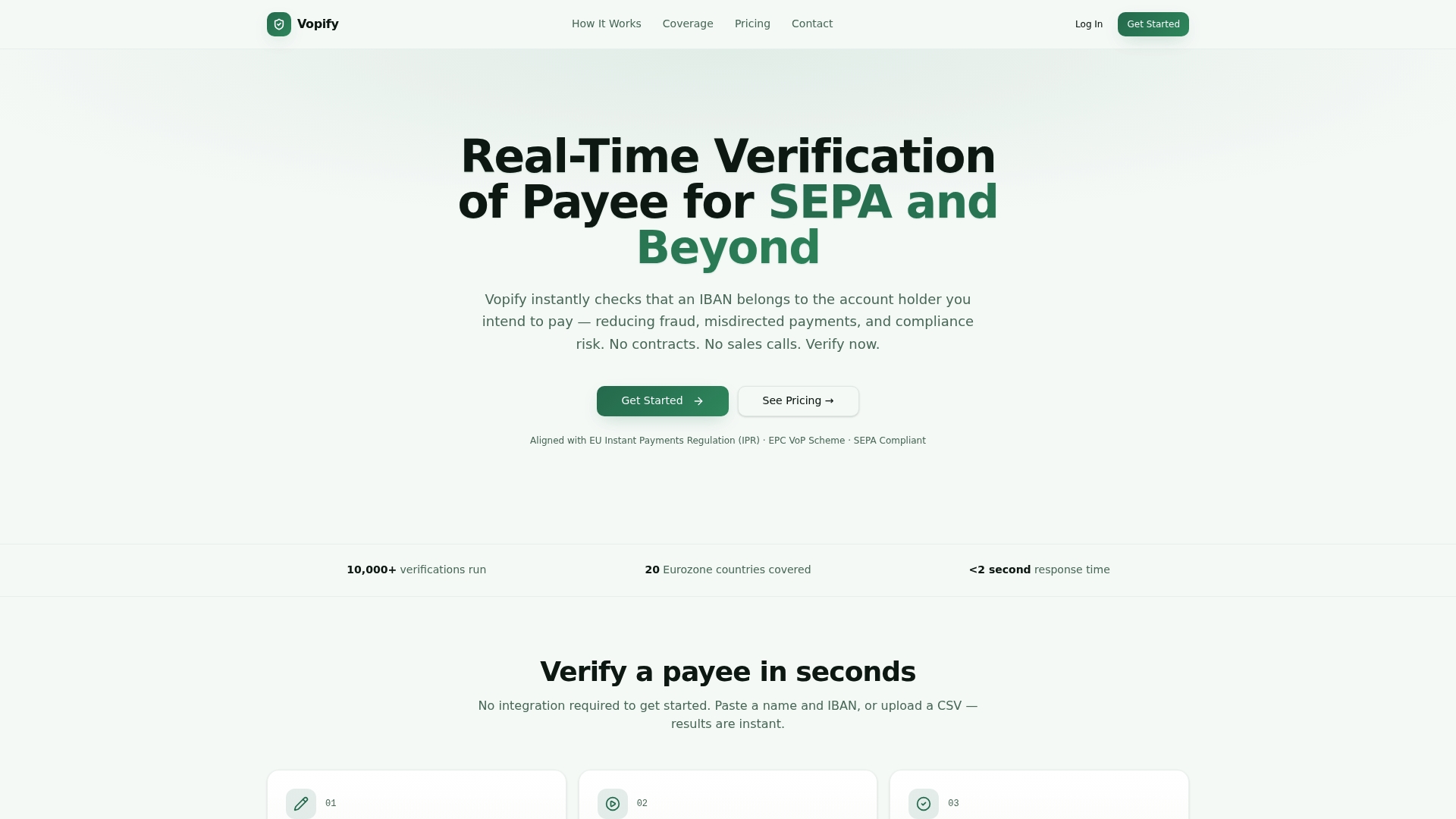
The tools above help you create or recognize fake alerts. But if your concern is stopping fraudulent or misdirected payments before they leave your accounts payable system, that's a different problem entirely. Vopify solves it at the source by verifying that the IBAN and account holder name actually match before any transfer is authorized.
Finance teams processing supplier payments face a specific risk: a fraudster or a simple data error sends a payment to the wrong account, and recovery under banking regulations is far from guaranteed. Vopify's real-time payee verification checks live payment networks across 20 Eurozone countries in under two seconds, covering both individual and business accounts. No lengthy contracts, no manual back-and-forth. For teams handling high volumes, bulk IBAN verification by CSV lets you screen an entire supplier list at once.
Key Takeaways
Fake payment notifications are easy to create and even easier to misuse, making verification at the payment level the most reliable defense.
| Point | Details |
|---|---|
| Definition | A fake payment notification mimics a real financial alert but involves no actual transaction. |
| Legitimate tools | Arcangelo Muschitiello app, Uneed.best, and the Stripe generator cover most mockup and prank use cases. |
| Legal boundary | Using a fake alert to obtain money or goods from another person constitutes fraud under U.S. federal law. |
| Top protection step | Log into your bank's official app directly; never act on links or phone numbers inside a suspicious message. |
| Vopify | Vopify verifies IBAN and payee name in real time, stopping misdirected or fraudulent payments before they clear. |